Guides
One page for each topic: what it does, shown on examples, every parameter, the usual mistakes and where it is in the application. The tutorial goes step by step through a first model; the language reference lists everything in brief.
From profile to solid
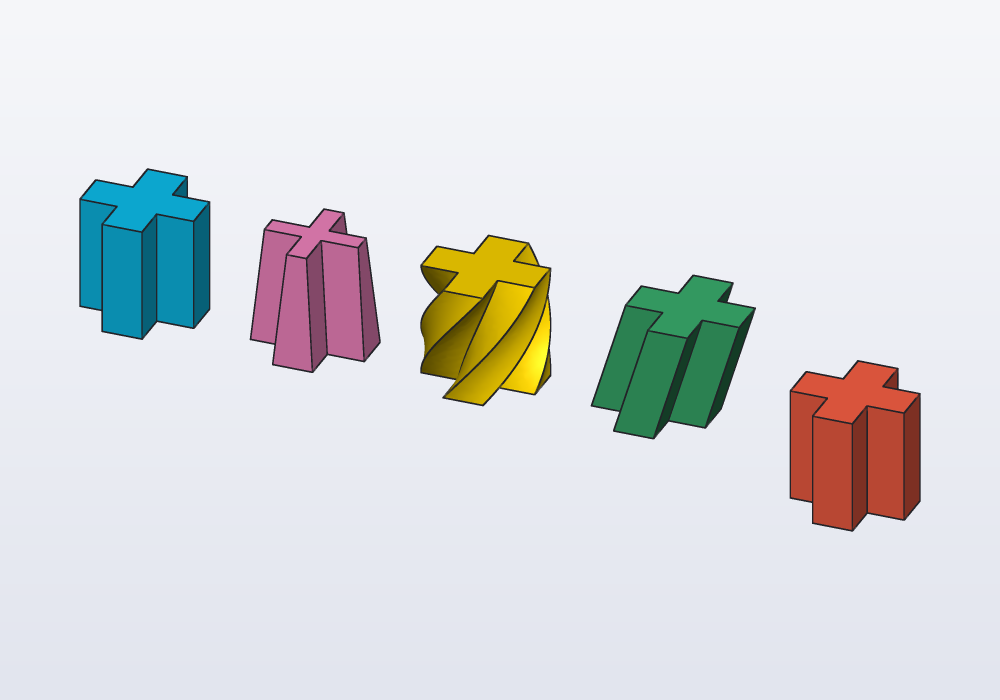
A profile is a flat outline; a solid is made from it by extruding it (pushing it up into a block of the same outline), revolving it (turning it round an axis, as on a lathe) or adding and cutting it on a face of another solid. This guide covers the profile shapes (rectangles, circles, polygons, slots, teardrops, text, SVG and DXF drawings), how they combine (+ - &, offset, round), extruding them (taper, twist, shear, along X or Y, symmetric), revolving them, standing them up with across, adding or cutting them on a face of a solid, and pushing or sinking the faces themselves.
Drawing an outline
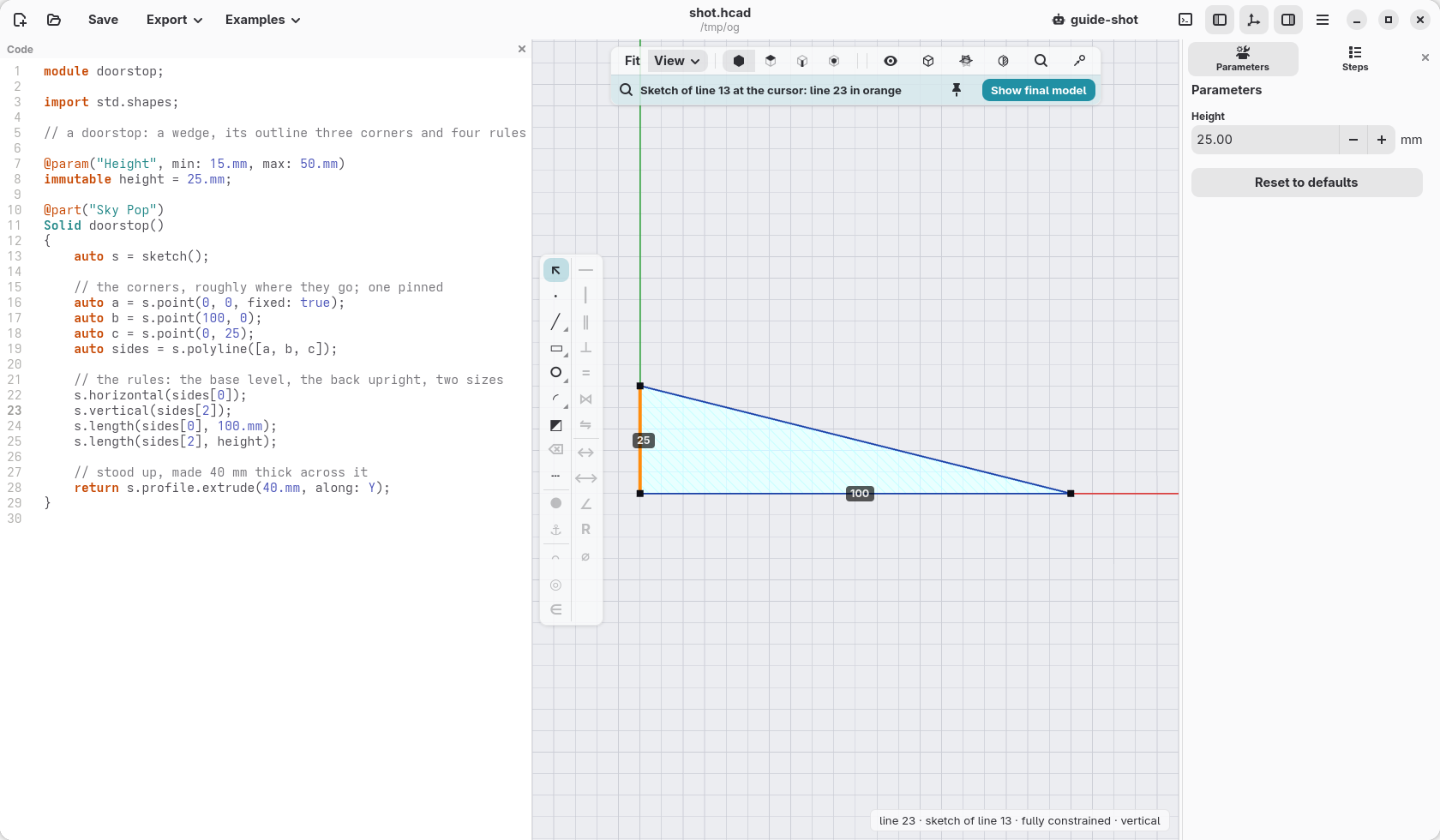
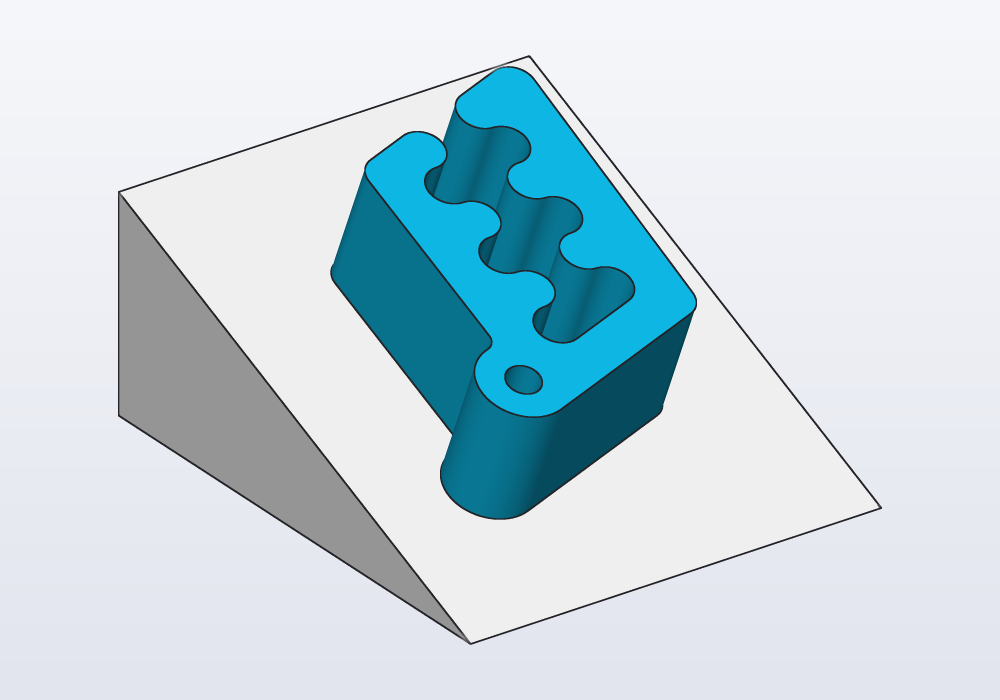
Many parts are a flat outline made thick: a bracket, a wedge, a tag, a plate with holes. When the outline is more than a rectangle or a circle, you draw it: a few points joined by lines, and rules that hold them, "this side level", "these two corners 100 mm apart". Change a size later and the outline follows, keeping its rules. This guide shows how, on two small parts.
Paths, sweeps and lofts
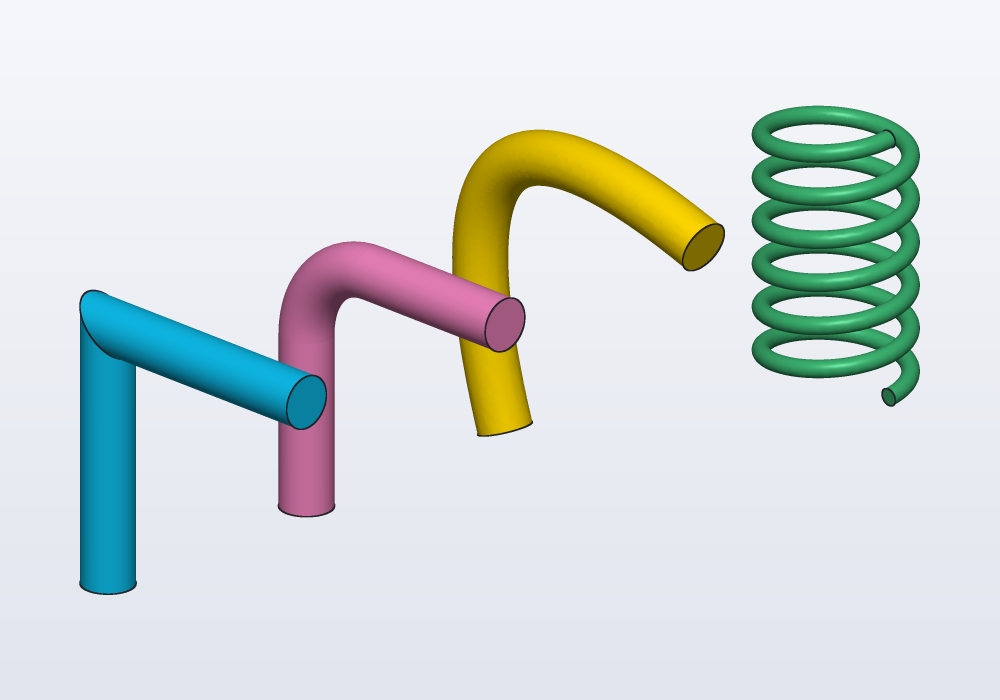
Shapes that follow a curve or change along their length: paths (straight, bent, splines, helices, from a sketch, from a solid's edges, from two views), sweeping a profile along a path and deciding how it rolls on the way (up:, guide:, twist:, frenet:), and lofting between profiles.
Surfaces
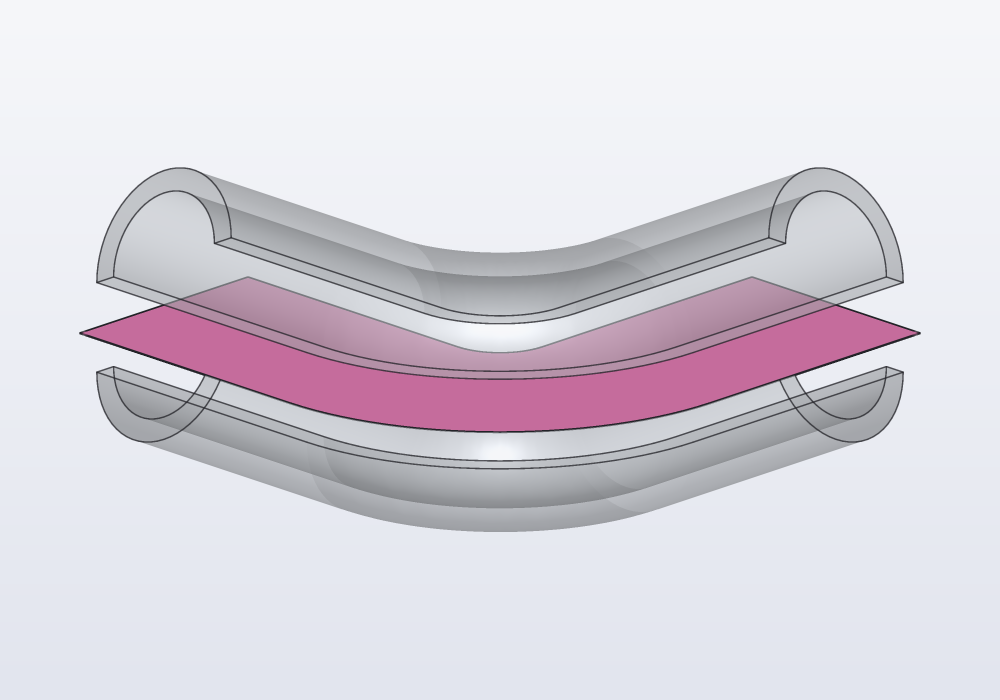
Open sheets with no inside: how to make one (an open curve swept along a path, a loft through paths), and what to do with it: split a solid along a curved cut, thicken it into a shell, sew several into a closed solid, push the pieces apart. Typical workflows, the limits, and the errors.
Planes, frames and placement
Where things go. A plane is a flat surface without end, given by a point and the direction it faces; a frame is a place to build from, a point with its own three axes. This guide covers the three main planes XY, XZ and YZ (and which way each faces), planes of every other kind (through points, on a face, halfway between two faces, moved off another), frames to build on a face, placing parts on faces and next to each other, axes, sketching on a plane, and the planes shown in the 3D view with the menus that write them.
Selectors and features
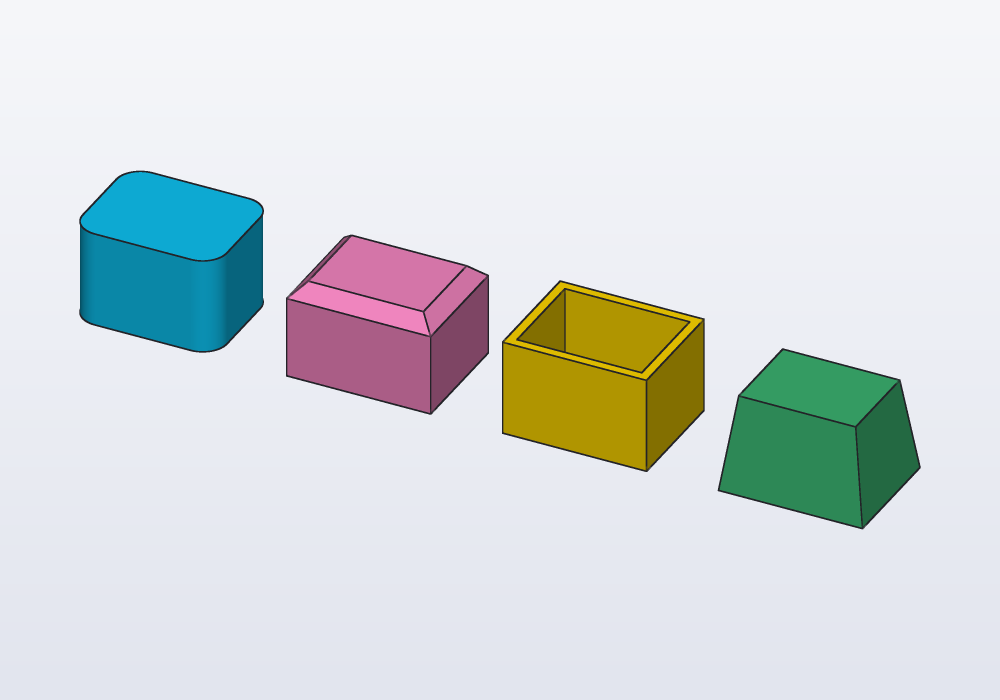
Rounding, bevelling, hollowing and tapering a solid: fillet, chamfer, shell and draft, and the selectors that say which edges and faces they work on (edges.parallel(Z), faces.top, edges.between(…), faces.from(tool)). How to pick edges so that they stay the right ones when a parameter changes, names (tags) for the faces you come back to, in which order to apply the features, what their errors mean, and how to do the same with the mouse in the 3D view.
Sketches in depth
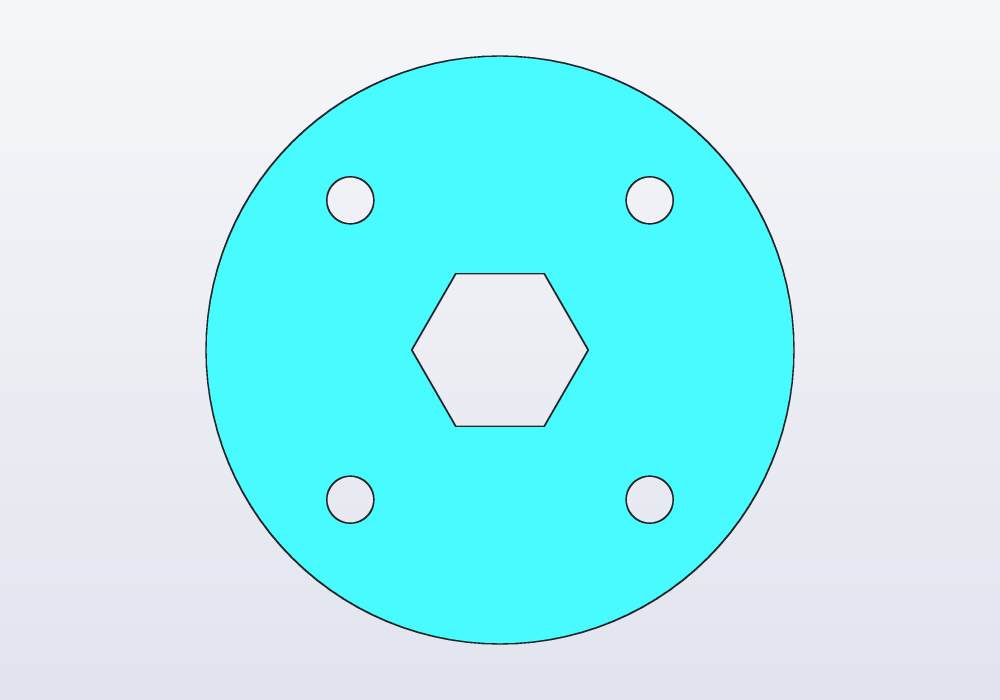
A sketch is a flat outline drawn from points, lines, arcs, circles, ellipses, splines and ready-made shapes, held in place by constraints (rules such as "this line is level" or "these two points are 30 mm apart"), then extruded (pushed up into a solid), revolved (turned round an axis) or cut into a part. This guide is the whole of it and covers sketch(), every constraint, construction geometry, degrees of freedom and their warning, reading the solved sketch back, sketches on the faces of a solid, where a sketch beats shapes added together, and the sketch bar of the application.
Patterns, textures and noise
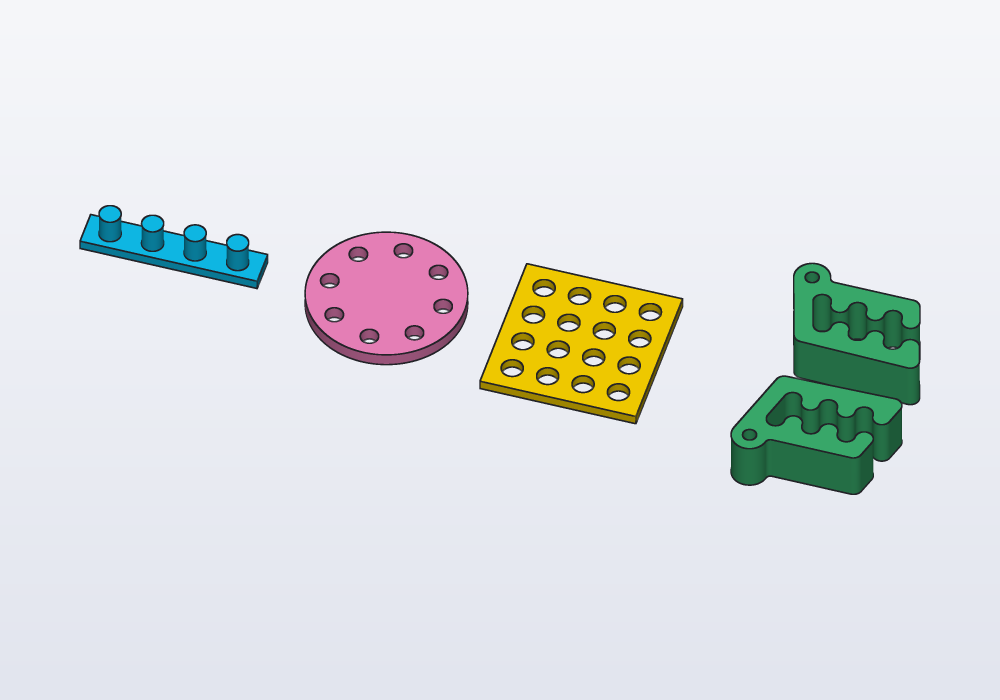
Many copies of one thing: a row, a ring, a grid, a mirror image; layouts the plain patterns cannot make, written as loops; surfaces with a texture, ribbed or bumpy, from noise, loopNoise and loft through rings of points; tilings, honeycombs, Voronoi cells or a tile of your own, for grilles, pockets and reliefs; how to keep them quick to evaluate, and when a pattern belongs in a library.
Threads
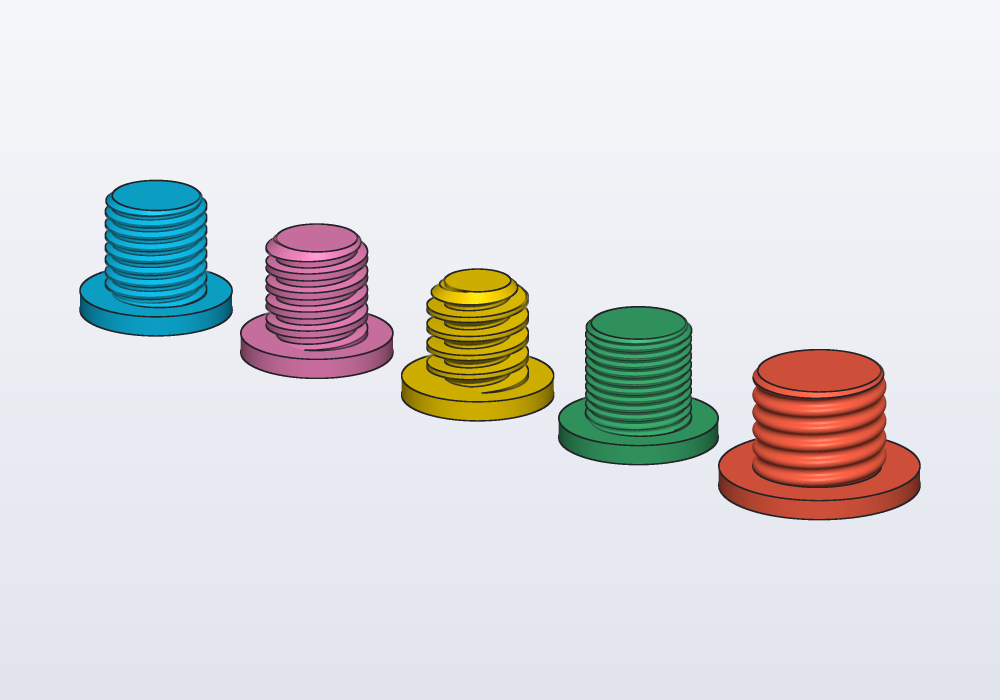
A real helical thread on a shaft or in a hole: ISO metric, inch, trapezoidal and ACME, buttress, pipe threads, lamp bases, bottle necks. How to recognise one on a real object, every parameter, and how to print it.
Holes and hardware
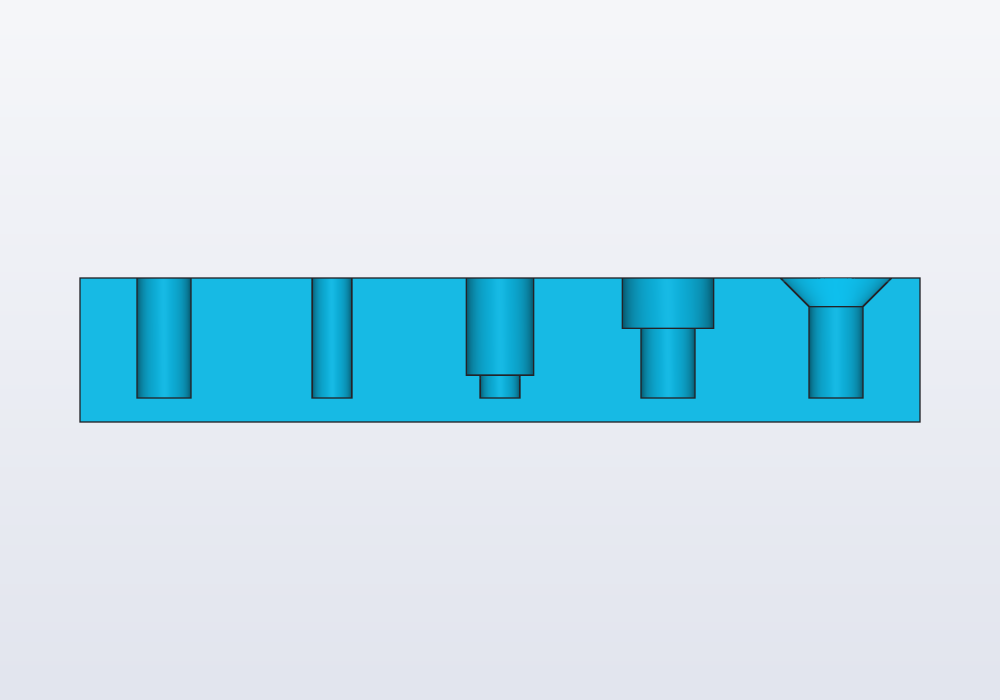
Holes for metric screws from M2 to M12, from the hardware library: clearance, tapping, heat-set insert, counterbore and countersink holes with hole(), nut traps, the screws, nuts and washers themselves, teardrop holes that print sideways, and the Hole entry of the 3D view's right-click menu.
Fits and printing
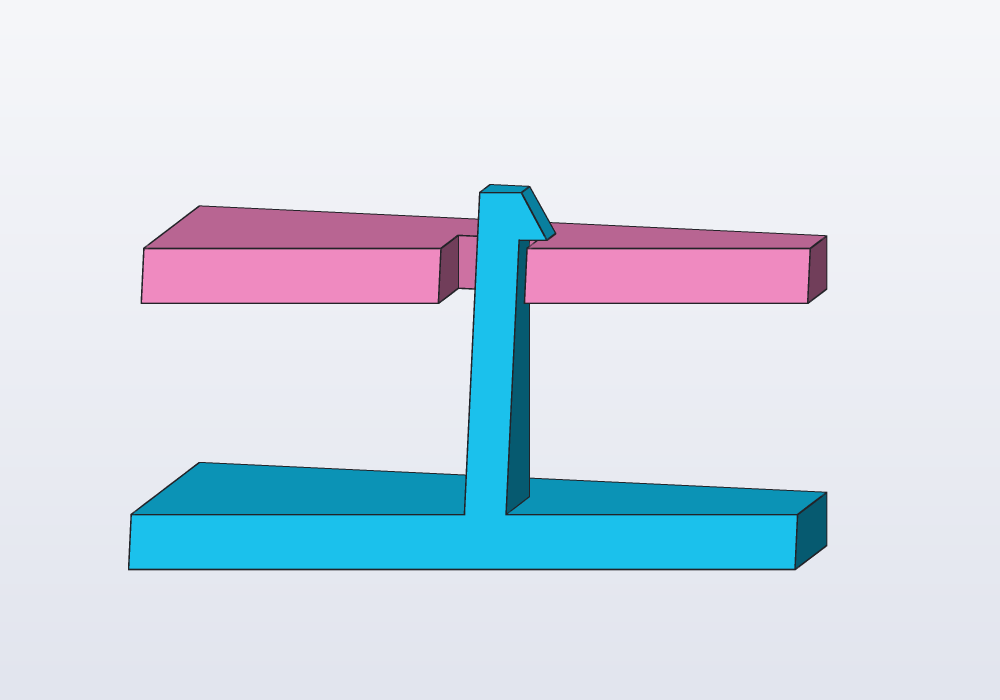
How much play to leave between parts that slide, press or turn together, printed or machined; how to test a fit in a unittest before printing; snap hooks and print-in-place hinges from the snaps and hinges libraries; and how to make a part print well: overhangs, thin walls, which way up it lies.
Gears
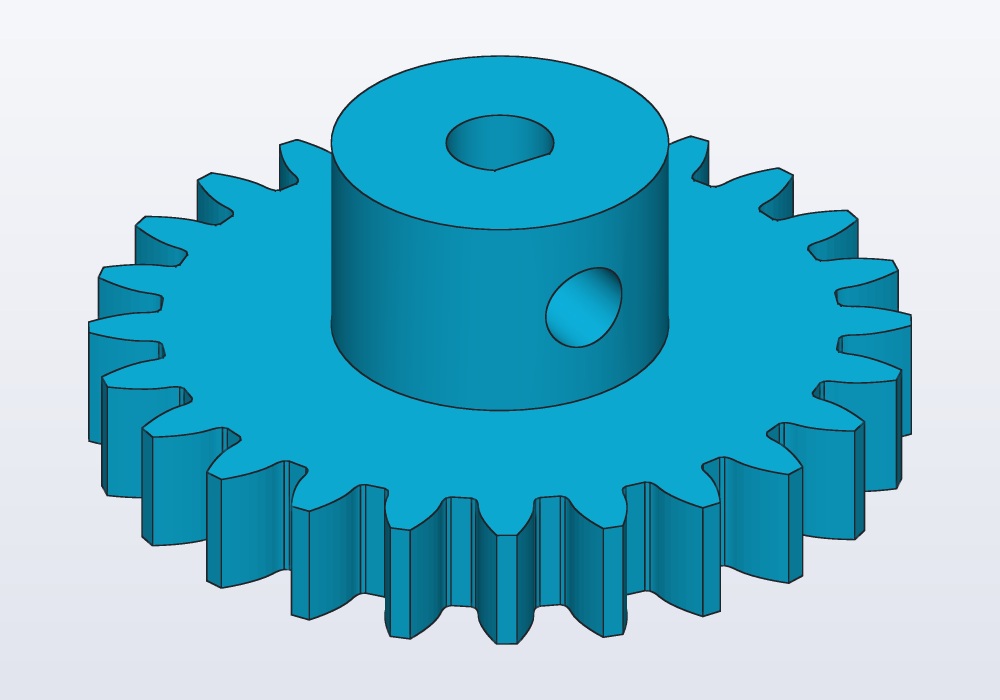
Spur gears and racks from the gears library: module, number of teeth and pressure angle, placing two gears so that they mesh, checking the mesh in the model, and printing gears that turn (backlash, the module for a printer, hubs, bores and set screws).
Enclosures and boxes
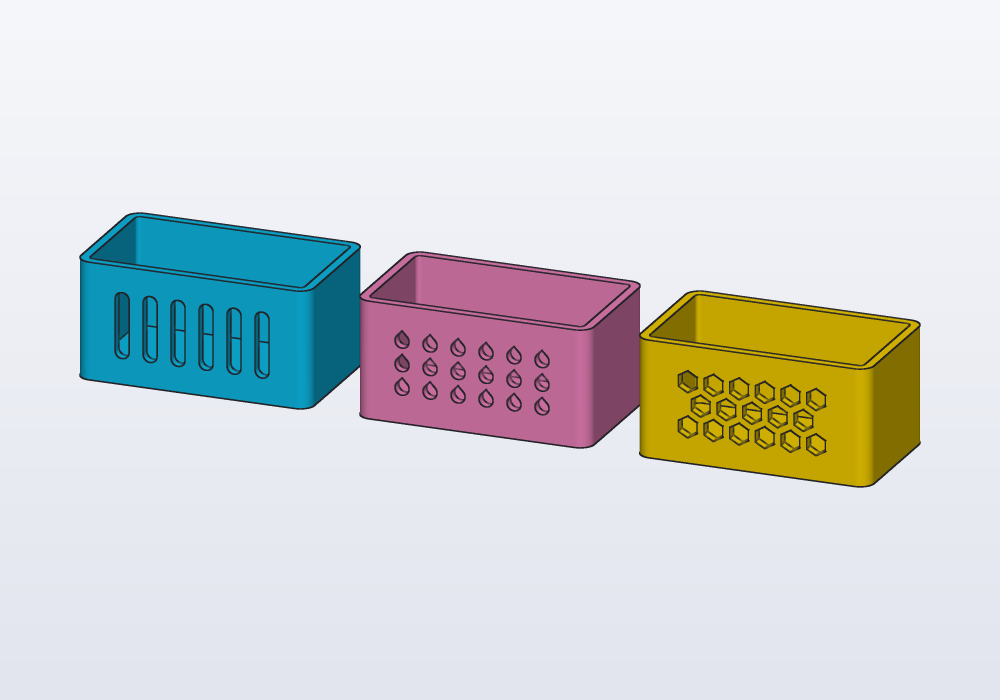
Boxes, trays and cases with lids: the enclosures library (roundedBox, tray, enclosure(…).base and .lid) and every option of it, boxes hollowed with shell() or cut in two, screw bosses, ventilation slots and holes, and a worked example of a case for a circuit board.
Joints between parts
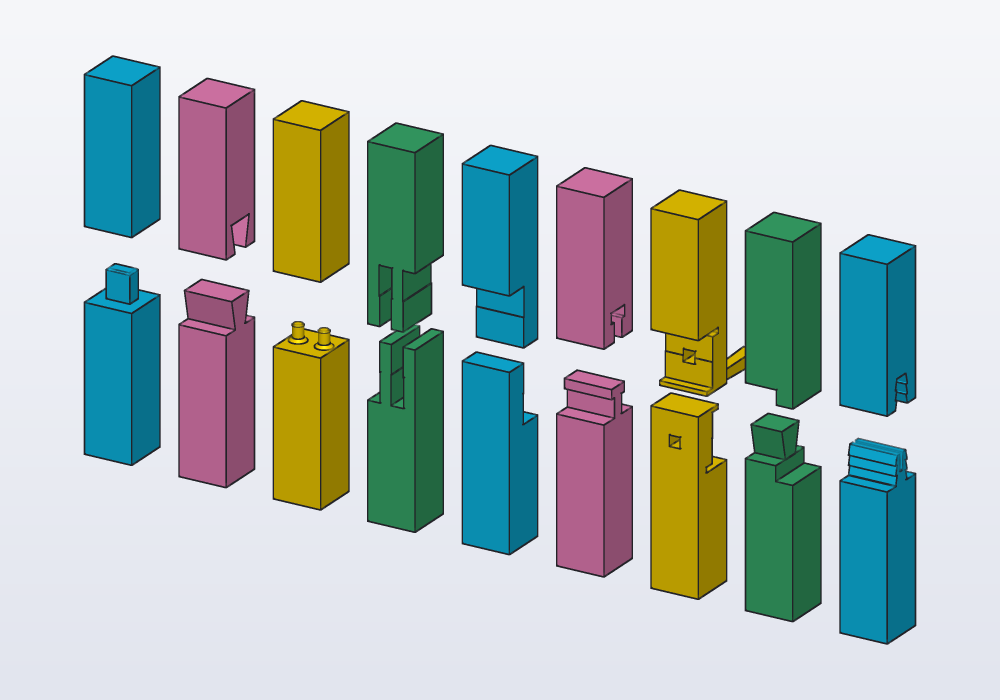
A part too long for the printer's bed cut in two pieces that lock together with no screws and no glue, or two parts joined where they meet, as joiners join timber: tenons, dovetails, pins, finger joints, half laps, the gooseneck, the wedged scarf and the seated dovetail of Japanese carpentry, a barbed tenon driven in for good, and printed dowels in plain holes. Or a part cut into two halves with flat faces, each printed lying on its cut face, joined by flat keys. The joints library cuts a solid along a plane and shapes both sides of the cut.
Molds for casting
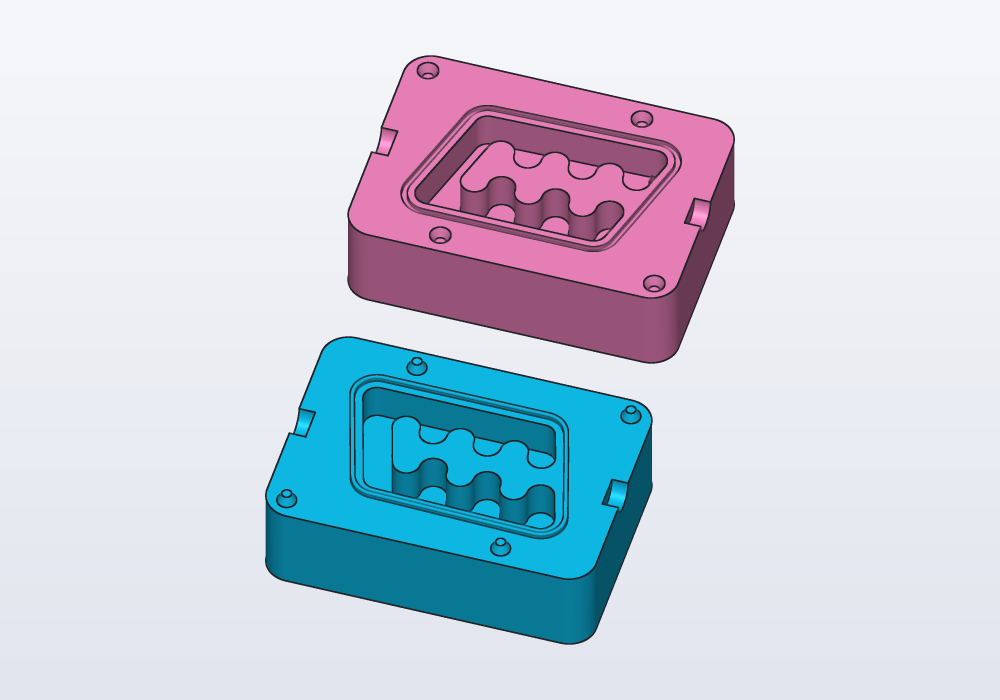
A two-part mold to cast copies of a part in silicone, resin or plaster: a block round the part, cut in two along a parting plane, the part's shape hollow inside, with keys that line the halves up, a seal round the cavity so the liquid stays in, and a pour hole with vents for the air. The molds library makes it from the part itself.
Flexible parts and hinges
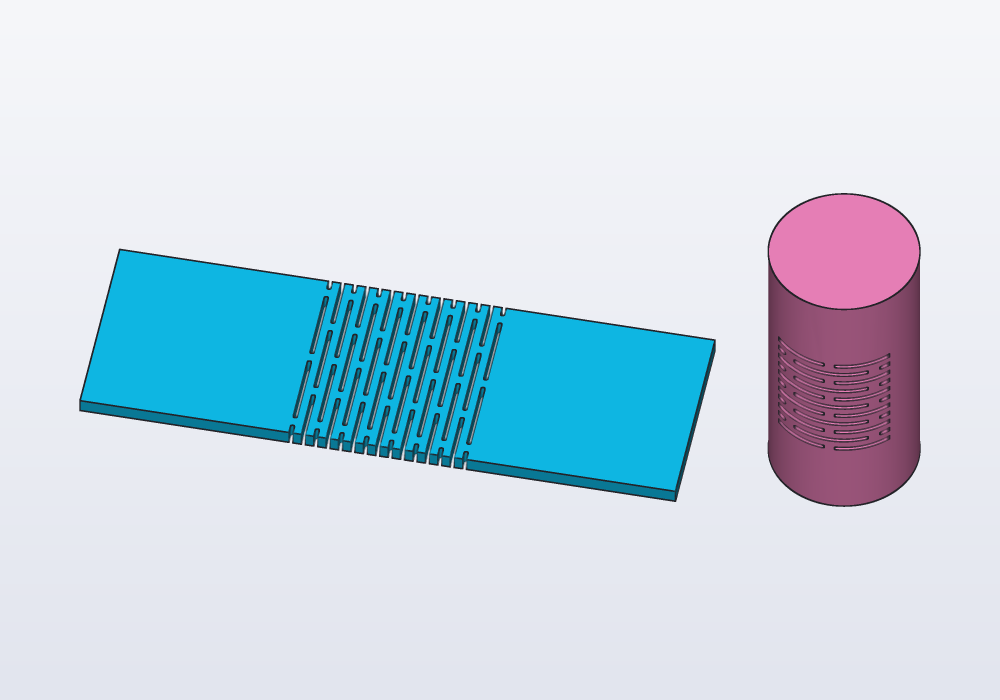
Parts that bend where they should: a rigid plate made to bend in a band by rows of slots (kerf bending), and the hinges of the hinges library, four kinds, all printed flat without supports.
Parameters, presets and checks
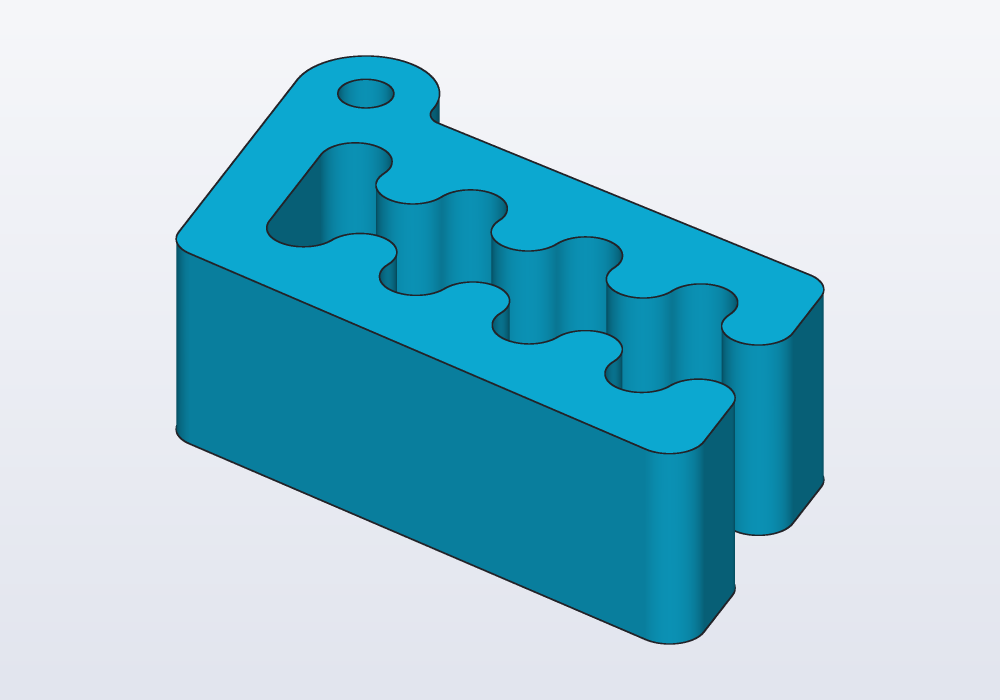
The sizes you may want to change, made parameters with @param (limits, steps, a list of choices) and grouped into named presets with @preset; units and the mistakes they catch, and the few they do not; design checks in unittest blocks with assert; measuring a model (its size, volume, weight, distances) and printing values with writeln; and changing parameters from the Parameters panel and the command line (-D, --preset).
Parts, export and drawings
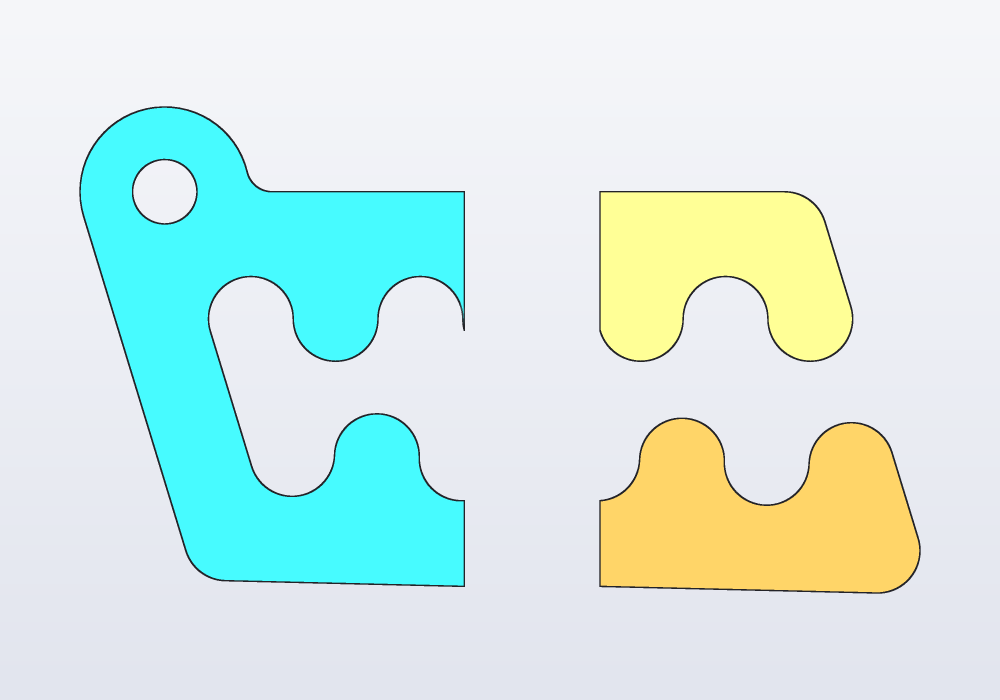
What becomes a separate object when a model is exported: @part and its options (colour, see-through, reference parts, names), @parts for the pieces of a cut, colours, the export formats (3MF, STL, zip, STEP, PNG) and what each holds, technical drawings with @drawing, and the Export menu of the application.