← Shape the tank · Contents · The pot inside →
5. Numbers you can change
The tank is 62 mm wide and 66 mm tall, because those numbers are in the code. On this page they become parameters: values with a name, which you can change from the Parameters panel, as you did with the teeth of the clip.
Name the sizes
Write these lines under import std;:
@param("Size", min: 50.mm, max: 120.mm)
immutable size = 62.mm;

@param("Height", min: 50.mm, max: 120.mm)
immutable height = 66.mm;
and in the box use the names instead of the numbers:
return box(size, size, height)
Nothing changes in the view, but the Parameters panel now has Size and Height.
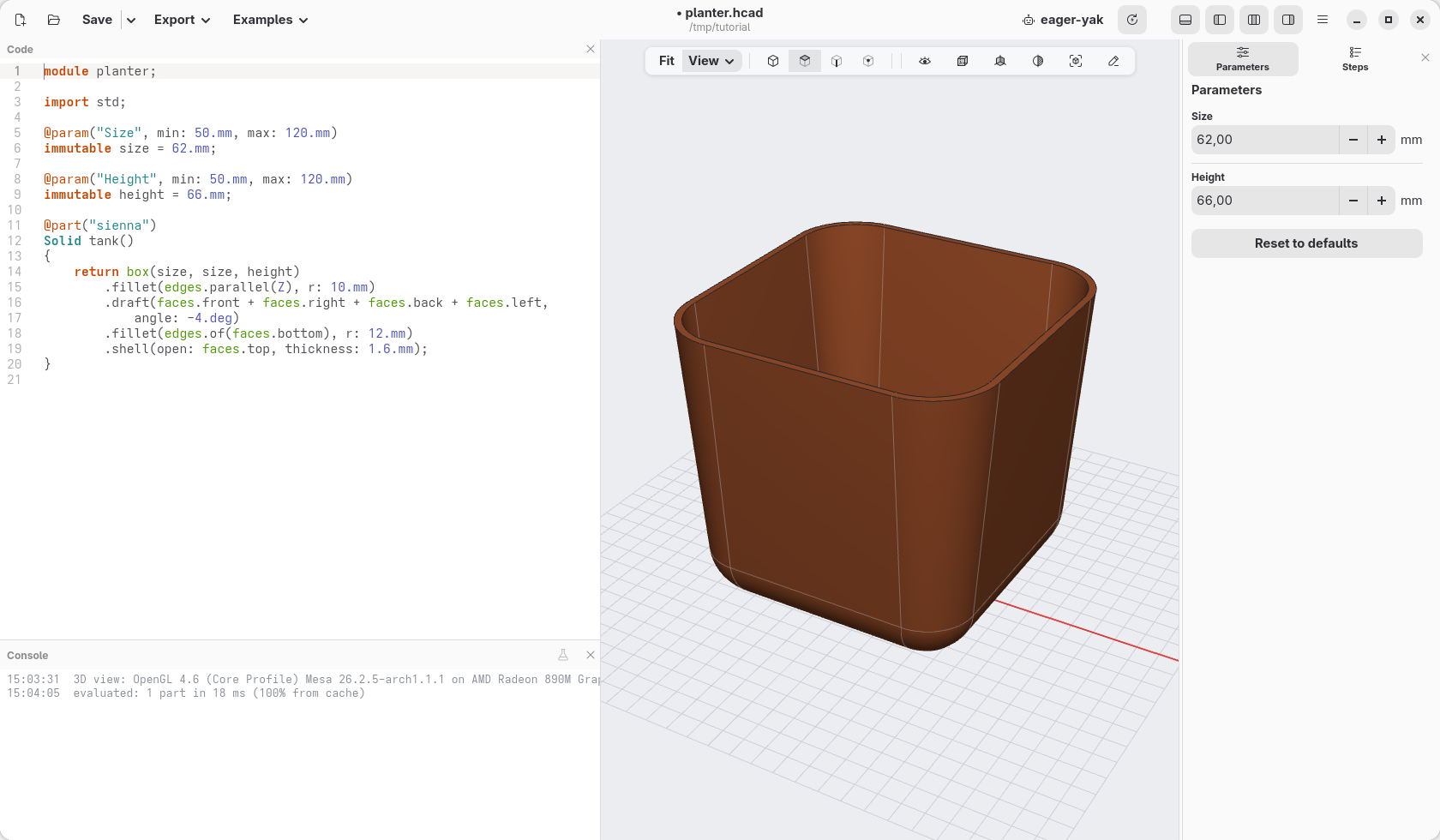
What the lines say:
immutable size = 62.mm;gives a name to a value: from here on,sizemeans 62 mm. Immutable means that it does not change while the model is built: a name that stays put.@param("Size", min: 50.mm, max: 120.mm), on the line above, makes it a parameter: it shows in the panel, labelled Size, and the panel keeps it between 50 and 120 mm. Point at the label to see the name in the code,size; click it to go to its line.
The tank is size wide and deep, and height tall: the names say what the
numbers are for, which also makes the code easier to read.
Try them
In the panel, set Size to 80 and Height to 50. The tank changes, and everything the mouse made follows: the rounded corners, the sides leaning out, the shell. They were made on the edges and faces by name (the upright edges, the top face), not on points in space, so they stay right on a different box.
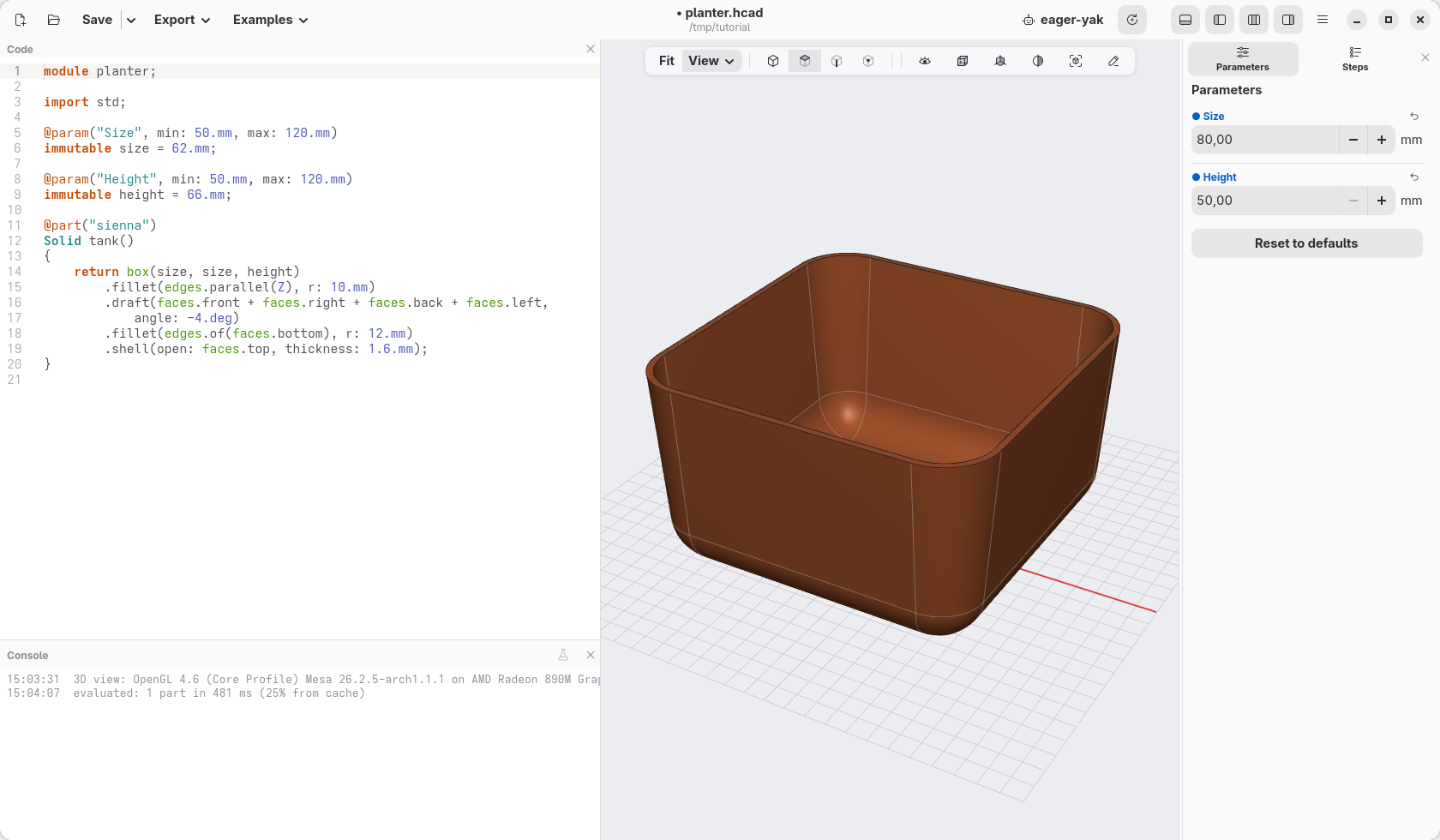
Click Reset to defaults to come back to 62 and 66. What you set in the panel is a trial: the code still says 62 and 66, and that is what is saved.
Check
The code at the end of this page: planter-05.hcad.