← The shelf and the corner · Contents · Print it →
9. Sizes, a choice and a check
The planter is done. This page makes it easier to use: ready-made sizes, a switch to leave out the drainage holes, and a check that warns when a size does not work.
Ready-made sizes
A preset is a name for a set of parameter values. Add a line under each
@param:
@param("Size", min: 50.mm, max: 120.mm)
@preset("herbs", 62.mm) @preset("basil", 80.mm) @preset("chili", 96.mm)
immutable size = 62.mm;

@param("Height", min: 50.mm, max: 120.mm)
@preset("herbs", 66.mm) @preset("basil", 90.mm) @preset("chili", 110.mm)
immutable height = 66.mm;
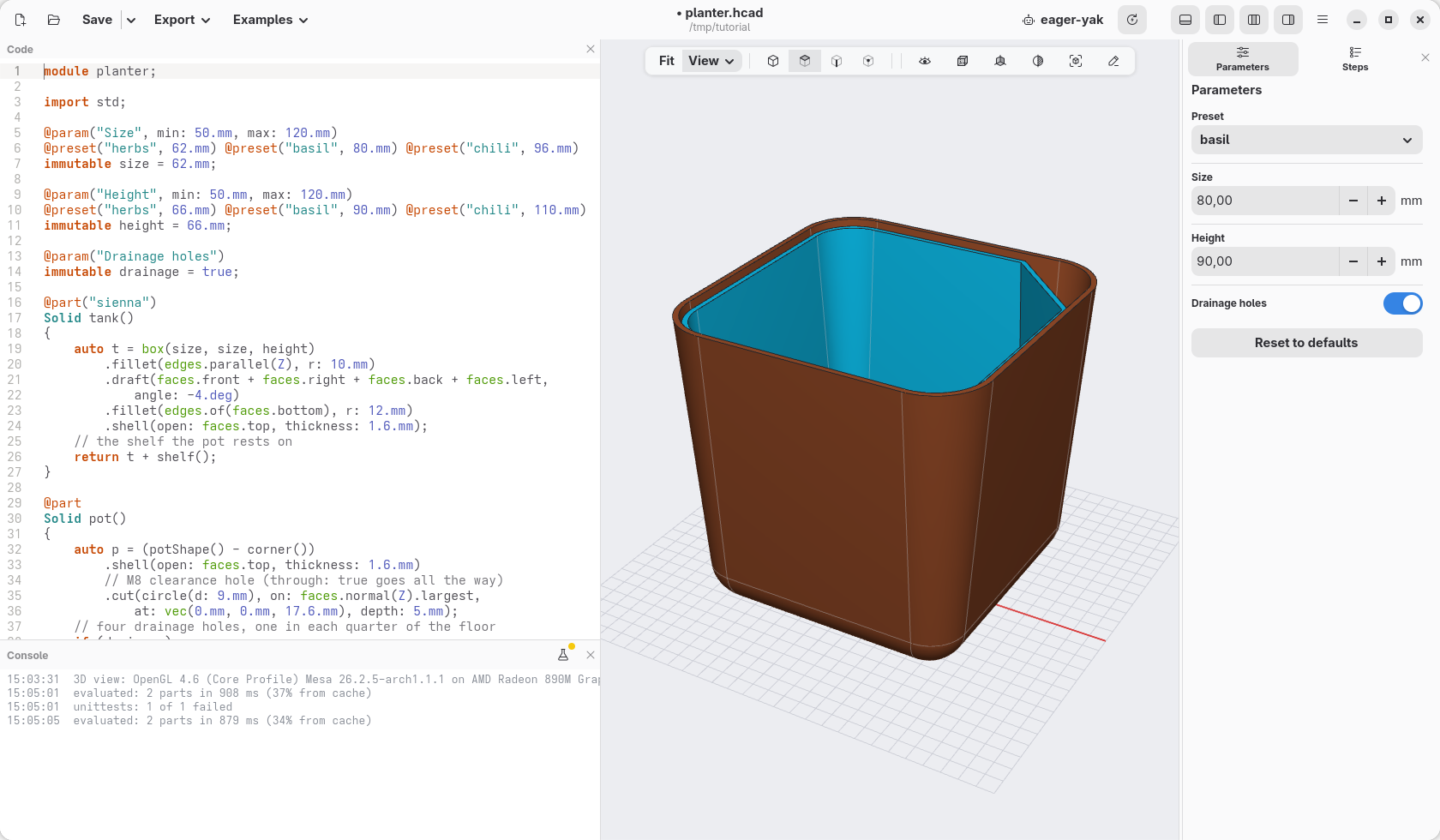
The Parameters panel gets a Preset menu: herbs is the size we built, for a pot of parsley or chives; basil a larger one, 80 by 90 mm; chili the largest, 96 by 110 mm, for a small pepper plant. A preset can set some parameters and leave the others as they are.
A choice: drainage holes or not
Indoors, on a shelf, you may not want water to drain through the bottom.
Add a parameter that is yes or no, under height:
@param("Drainage holes")
immutable drainage = true;
and in pot, put if (drainage) before the loops of the holes, moving them
in by one step:
    // four drainage holes, one in each quarter of the floor
    if (drainage)
        foreach (x; [-12.mm, 12.mm])
            foreach (y; [-12.mm, 12.mm])
                p = p.cut(circle(d: 3.4.mm), on: faces.normal(Z).largest,
                    at: vec(x, y, 17.6.mm), depth: 5.mm);
if runs what follows only when its condition holds: here, when drainage
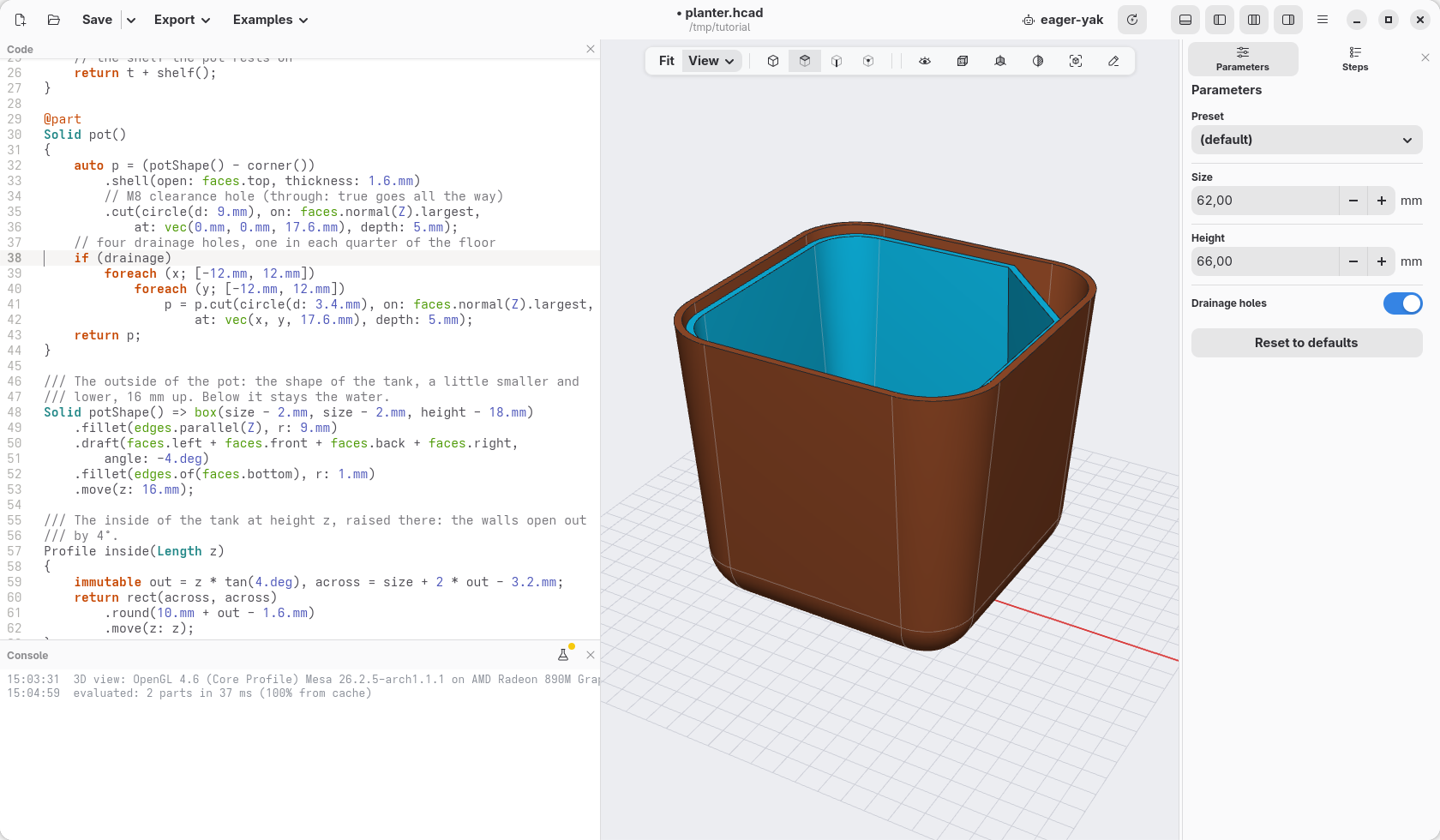
is true. The panel shows the parameter as a switch: turn it off and the
holes go.
A check
Some sizes do not make sense: a planter so small that the tank holds almost no
water. A unittest is a block of checks about the model. In the window it
runs when you ask, with F5 or the bug button at the top right of the
console (its checks can take a while, so not at every change), and on its own
before an export; hcad check always runs it. Add it at the end of the file:
unittest
{
    // the water under the pot: about the inside of the tank, 13 mm deep
    immutable ml = (size - 3.2.mm) ^^ 2 * 13.mm / 1.cm ^^ 3;
    writeln("the tank holds about $(format("%.0f", ml)) ml of water");
    assert(ml > 40, "the tank holds too little water: make it larger");
}
^^ 2is "squared": the area of the inside, times the depth of the water, is its volume; divided by a cubic centimetre, it is in millilitres.writeln(…)writes a line in the console. Inside the text,$(…)puts a value, andformat("%.0f", ml)writes it without decimals.assert(condition, message)checks the condition: if it does not hold, the message shows in the console and in a red banner over the view, and the line is marked in the code.
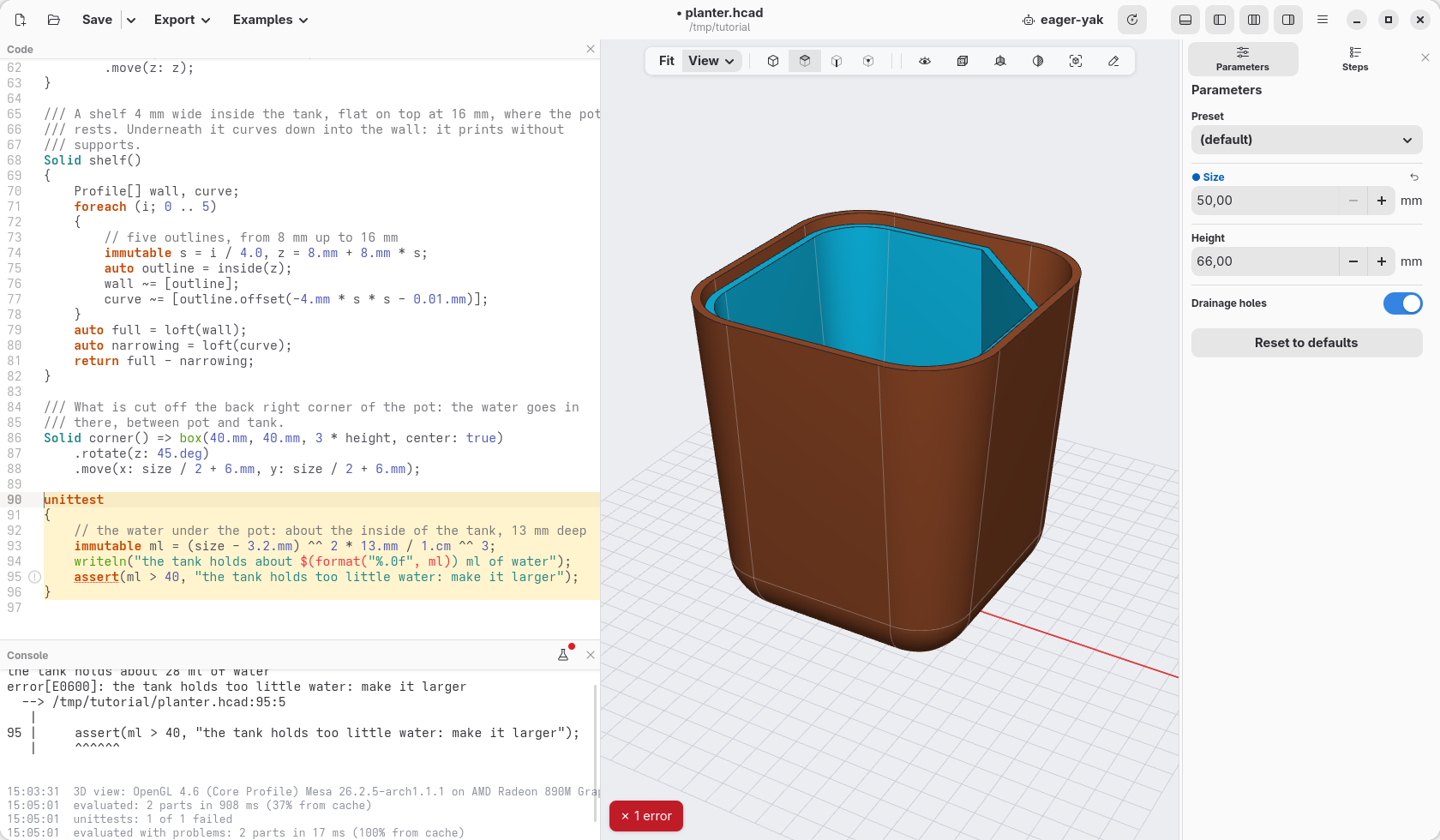
A yellow dot on the bug says the checks have not run yet. Press F5: the console says the tank holds about 45 ml of water and the dot goes. Set Size to 50 in the panel: the yellow dot is back, the checks have not run on this size; press F5 again and the check fails and says why (the dot turns red).
Click Reset to defaults.
Check
The code at the end of this page: planter-09.hcad.